
You can purchase new summons from the Summons menu.

Enter the Summons menu by clicking on the Summons button on the upper right corner of the screen or by pressing I.
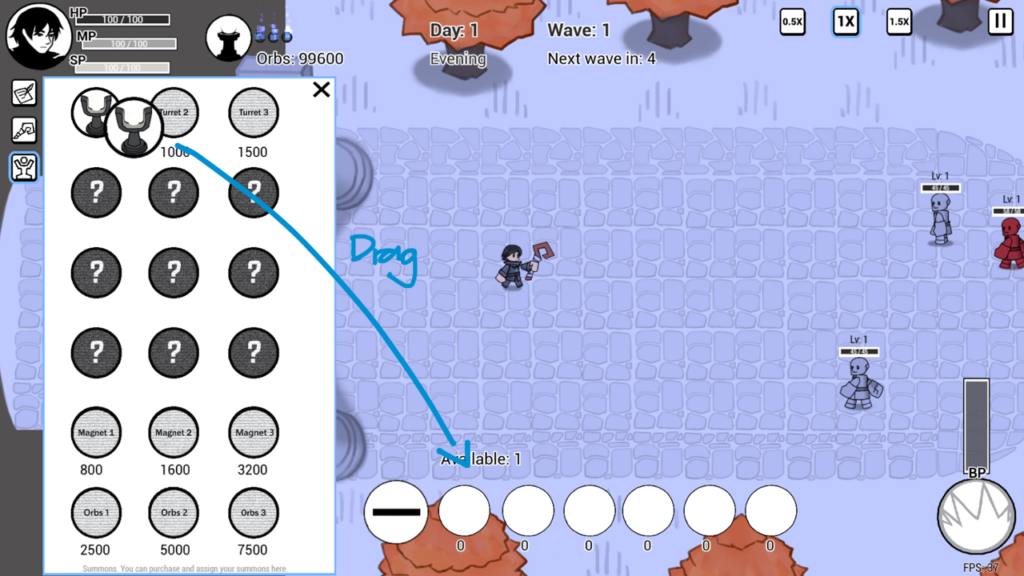
After you’ve purchased a summon, use it by dragging the summon icon from the Summons menu on the upper left to the summon slots on the bottom of the screen.
You can place the summon either by clicking on the summon slot or by pressing the hotkey associated with the summon slot, in this case it is the 1 key.
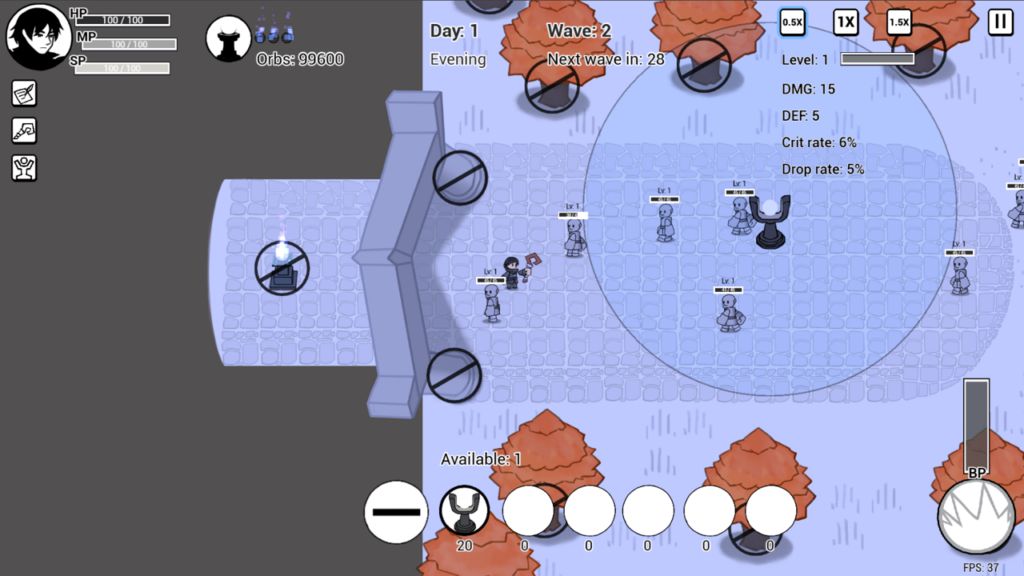
Finally, choose a location to place the summon. Each summon placement will cost a certain amount of MP, depending on the summon you choose. The MP cost is indicated at the bottom of the summon slot.
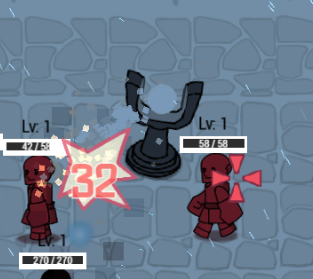
Summons can only exist on the map for a limited time, you can extend that time by upgrading the Summon Duration in the Upgrades menu.